


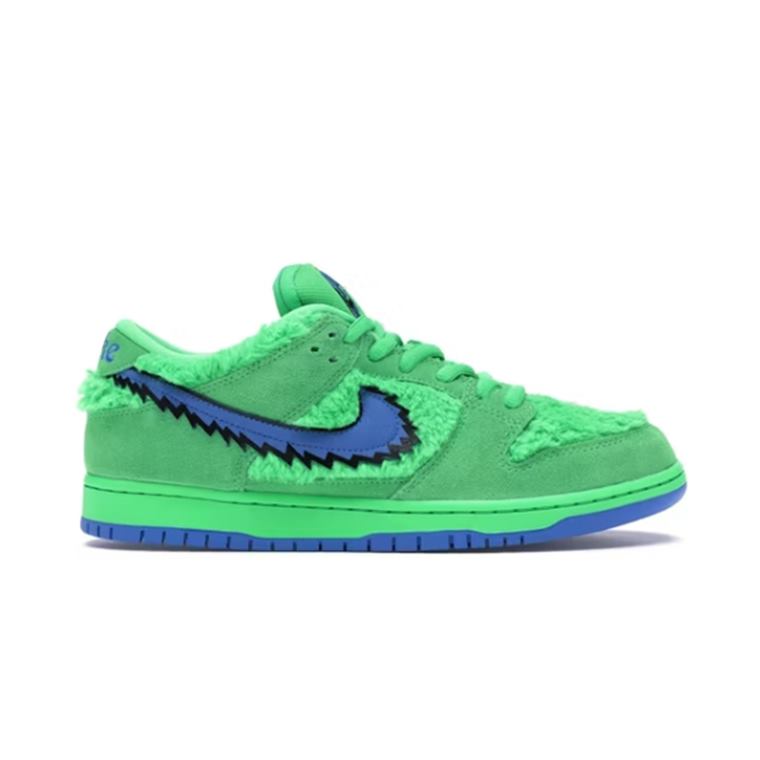
 Nike Dunk Low GreenShoes · 340
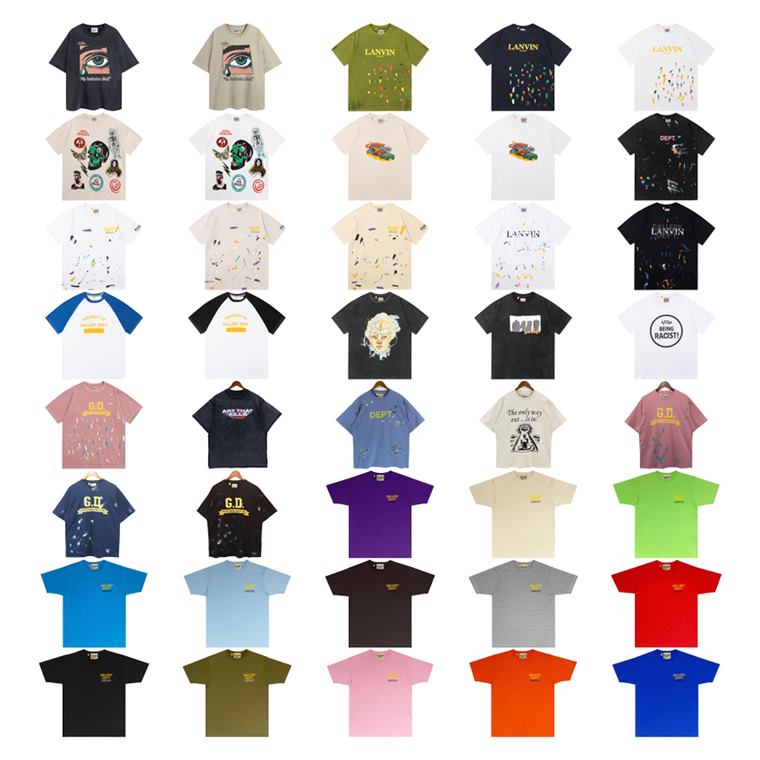 Lanvin Graphic PrintT-Shirts · 120
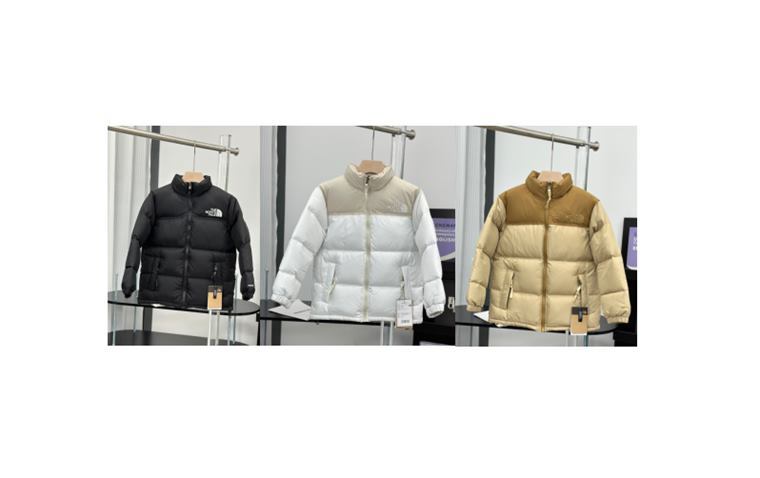 The North Face PufferOuterwear · 280
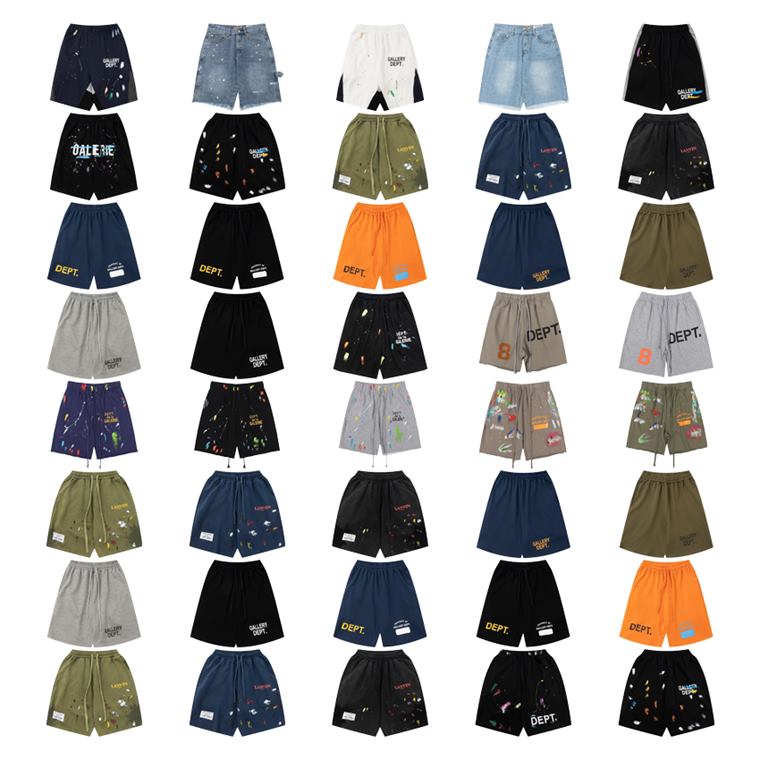 Gallery Dept Printed PantsPants & Shorts · 120
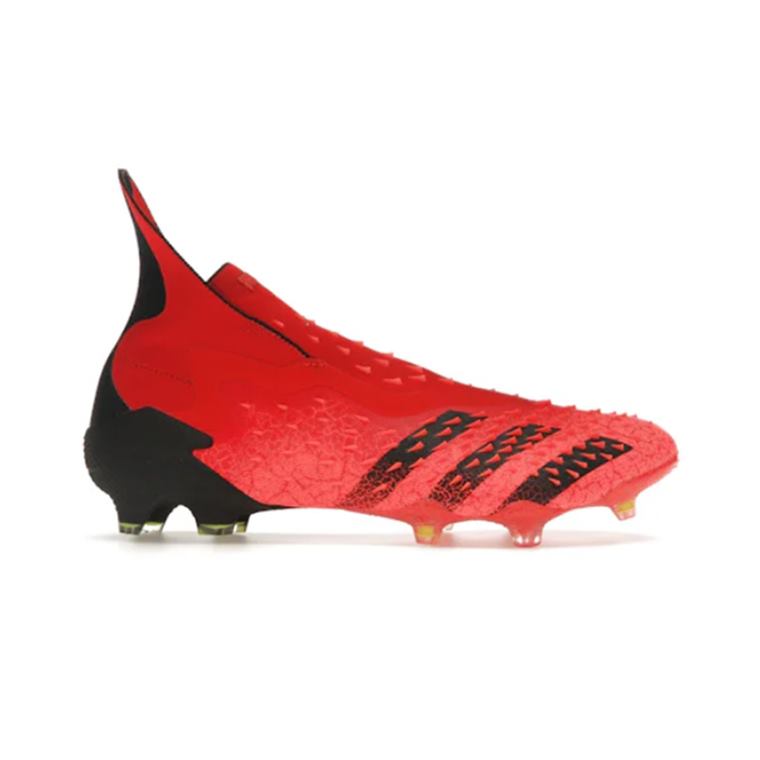 Adidas Predator RedJerseys & Boots · 200
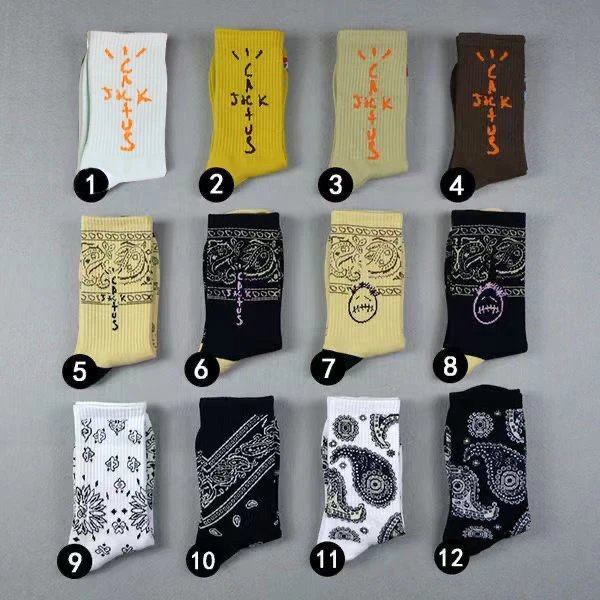 Cactus Jack SocksAccessories · 30
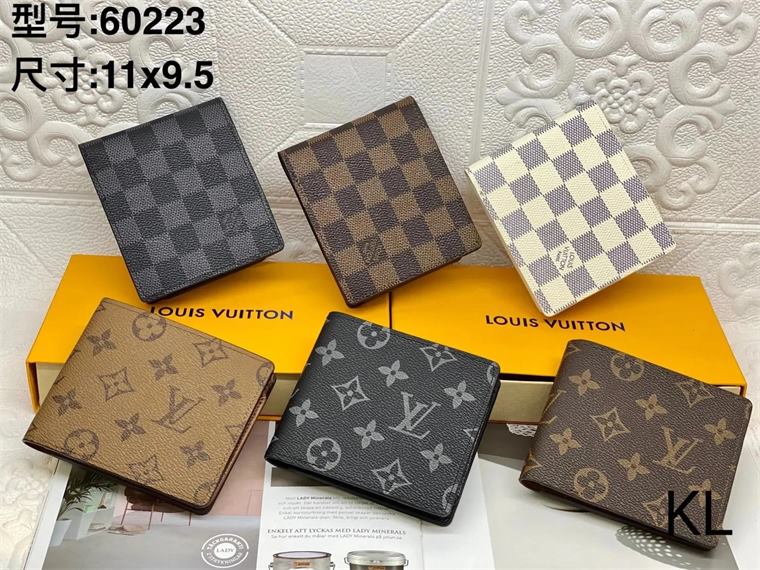 Louis Vuitton Damier BagBags · 85
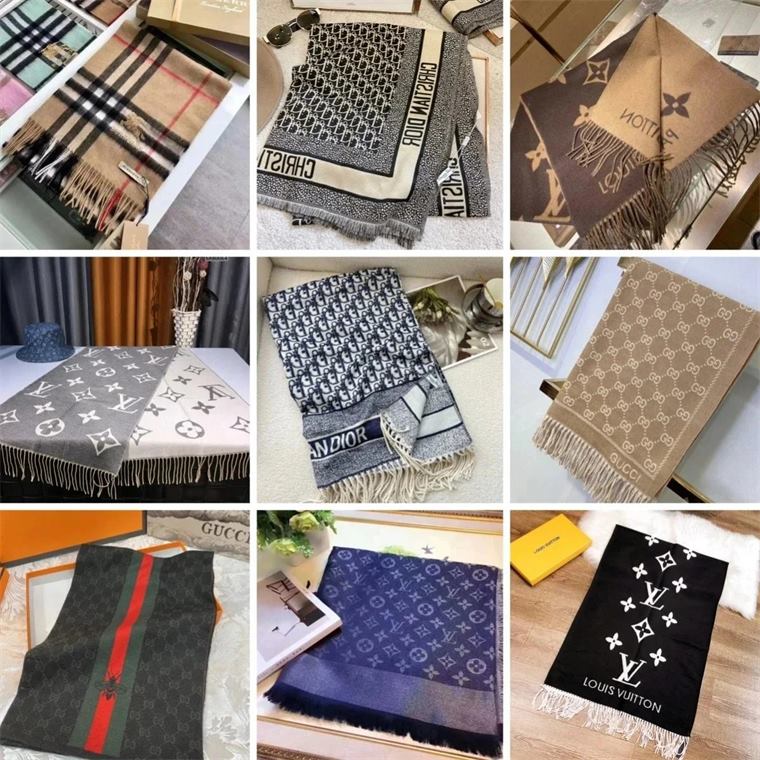 Luxury Monogram CapHats & Scarves · 78
Pick the item
Open the product or category first, then keep only rows with clear options and current seller evidence.
 Sign up free
Each category opens a focused main-site department so shoppers can review related spreadsheet entries without mixing unrelated products.
These eight product cards are pulled from different main-site departments so the shortlist feels varied and avoids repetitive category content.
Use the agent page after you have picked a product. Check the original product link, selected size or color, seller proof and the one QC photo request that would make the order safer.
Open the product or category first, then keep only rows with clear options and current seller evidence.
Record size, color, quantity, seller proof and the exact QC angle before submitting the order.
Use warehouse status and QC photos to decide ship, hold, exchange or return.
It is an organized product-research page that groups shopping links by category and records useful details such as item title, price note, image reference and source page.
Choose a product card, open the linked main-site page, then compare the live information with your own shopping requirements before saving the link to a spreadsheet or agent order list.
Category labels such as shoes, bags, outerwear and electronics help searchers understand what the sheet contains. They also prevent unrelated listings from being mixed into the same product group.
No. GTBuy Agent is an independent spreadsheet-style product guide. Product details, payment, seller policies and shipping options belong to the linked main site, seller or shopping agent.